
AMap setup
How to download AMap Global without a Chinese phone number
Install the correct AMap app, test navigation without logging in, handle a +86-only registration screen and save your first hotel before flying to China.
Download AMap from the official store linked to your usual Apple or Google account. Avoid third-party APK sites: a map app can access your location and may later connect to a payment service.
Which AMap app should you install?
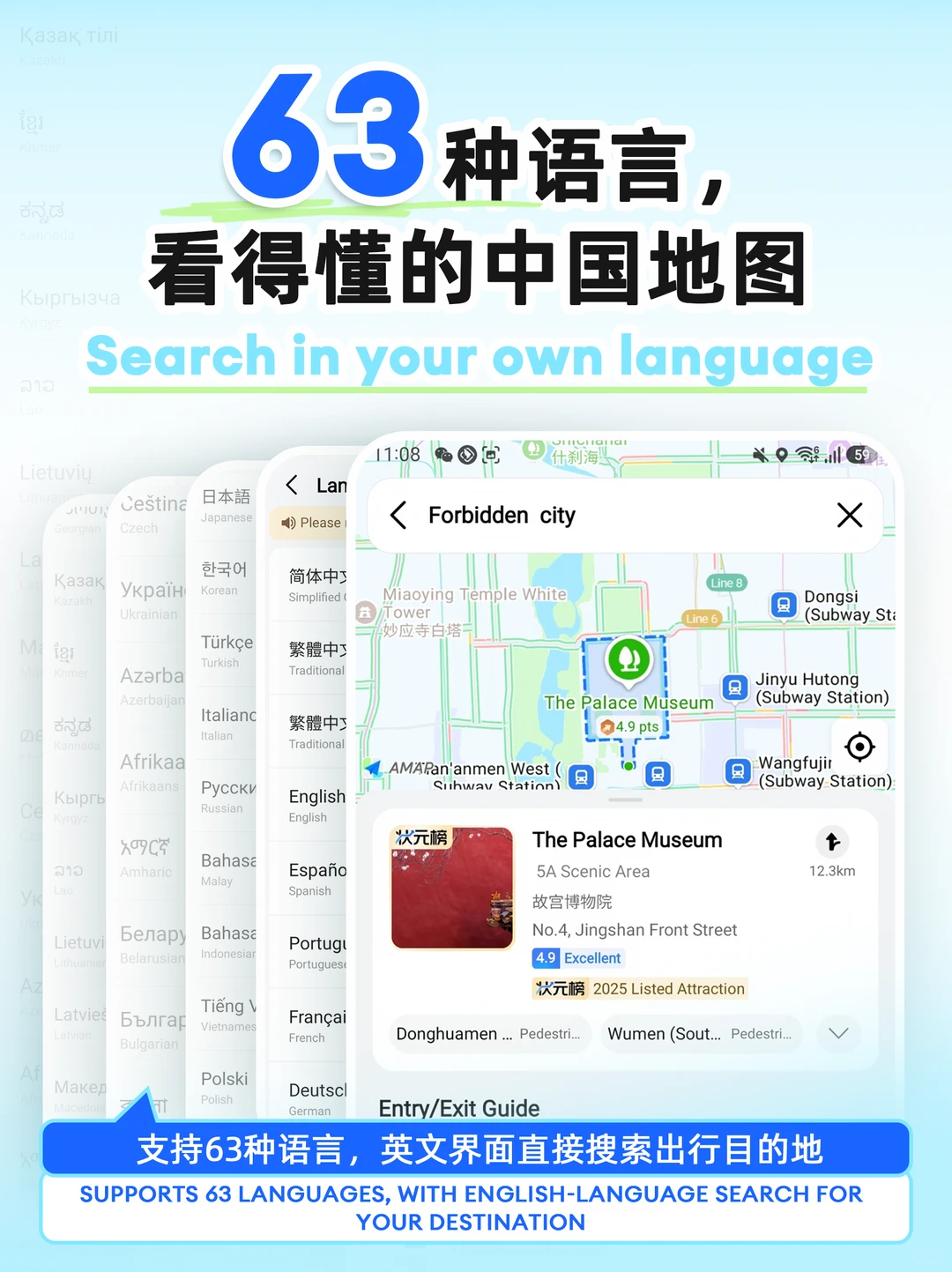
Look for AMap Global from the official AMap/Gaode developer. A store listing may also show the Chinese name 高德地图. Check the developer, official store page and international travel description rather than relying on the icon alone.
| What you see | What it usually means |
|---|---|
| AMap Global in your home store | Correct first choice for an overseas visitor |
| A Chinese-only package from another store | More likely to expose domestic onboarding |
| APK download site | Avoid |
| Apple Maps | Good no-account backup on iPhone |
The five-minute test before departure
- Allow location while using the app.
- Search the Chinese name of your first hotel.
- Build a route from the airport or railway station.
- Switch between walking and public transport.
- Reopen the app and confirm the place is easy to find again.
Test navigation first. Account creation is only necessary when the feature you open asks for it.
Can you register with an overseas number?
Sometimes, but country-code availability is not uniform. App version, store region and the feature you open can all change the login path.
| Screen | Next move |
|---|---|
| Your country code is listed | Use your own number and keep access to that SIM |
| Only +86 appears | Cancel and confirm you are on AMap Global |
| Login appears while saving a place | Store the address in Notes or screenshots instead |
| Login appears when requesting a taxi | Switch to the taxi setup checklist |
| SMS never arrives | Stop retrying; use no-login maps and your backup app |
An eSIM sold for data normally does not give you a mainland Chinese voice number. Buying one will not automatically solve an SMS screen.
What to save offline
AMap’s store listing mentions offline maps, but a download cannot show a live taxi, service disruption or changed entrance. Keep a small arrival card outside the app:
- Hotel name in English and Chinese.
- Full Chinese address.
- Hotel phone number.
- Nearest metro station and exit.
- A screenshot of the map around the entrance.
That package is easier to show to a taxi marshal or hotel employee than a spinning app screen.
If the interface is still partly Chinese
Set your device language to English or your preferred supported language, then check the app’s profile/settings area. Some merchant reviews and provider pages may remain Chinese even when navigation menus are translated. Use camera translation for those isolated screens; do not reinstall the app just to chase a fully translated review feed.
Android and iPhone fallback
- Android: install from Google Play before entering mainland China, because access to Google services may be restricted on an ordinary local connection.
- iPhone: keep Apple Maps installed. It is a useful route backup that does not require a separate AMap login.
- Both: arrange mobile data for arrival before departure and save the hotel details outside either map.
Next step
If you only need walking and metro routes, you are done. If you plan to request a car, continue to AMap taxi, payment and driver-call setup.
Sources
Affiliate link — we may earn a commission at no extra cost to you. Booking is completed on Klook.