
AMap ride-hailing
How to use AMap Taxi in China as a foreign visitor
A step-by-step AMap taxi guide for foreign visitors: prepare payment, choose the correct pickup point, handle a driver call and keep a reliable fallback.
AMap combines ride options from several providers on one screen. This can improve availability, but a provider may still have its own login, payment flow or service rules. Complete a short daytime ride before relying on it for an airport or train journey, and keep another way to travel.
Set up these four things first
| Need | Why it matters |
|---|---|
| Mobile data | The pickup pin, plate number and driver messages change live |
| An account accepted by the ride screen | Map search and ride orders have different gates |
| Alipay or another offered payment method | A saved card outside the offered wallet is not enough |
| Destination in Chinese | It helps you verify the pin and show staff if the order fails |
Set up Alipay with an overseas card before travel. Issuer approval and merchant routing still matter, so carry a second card and some RMB.
Book a ride
- Search the destination and confirm the district or nearby landmark.
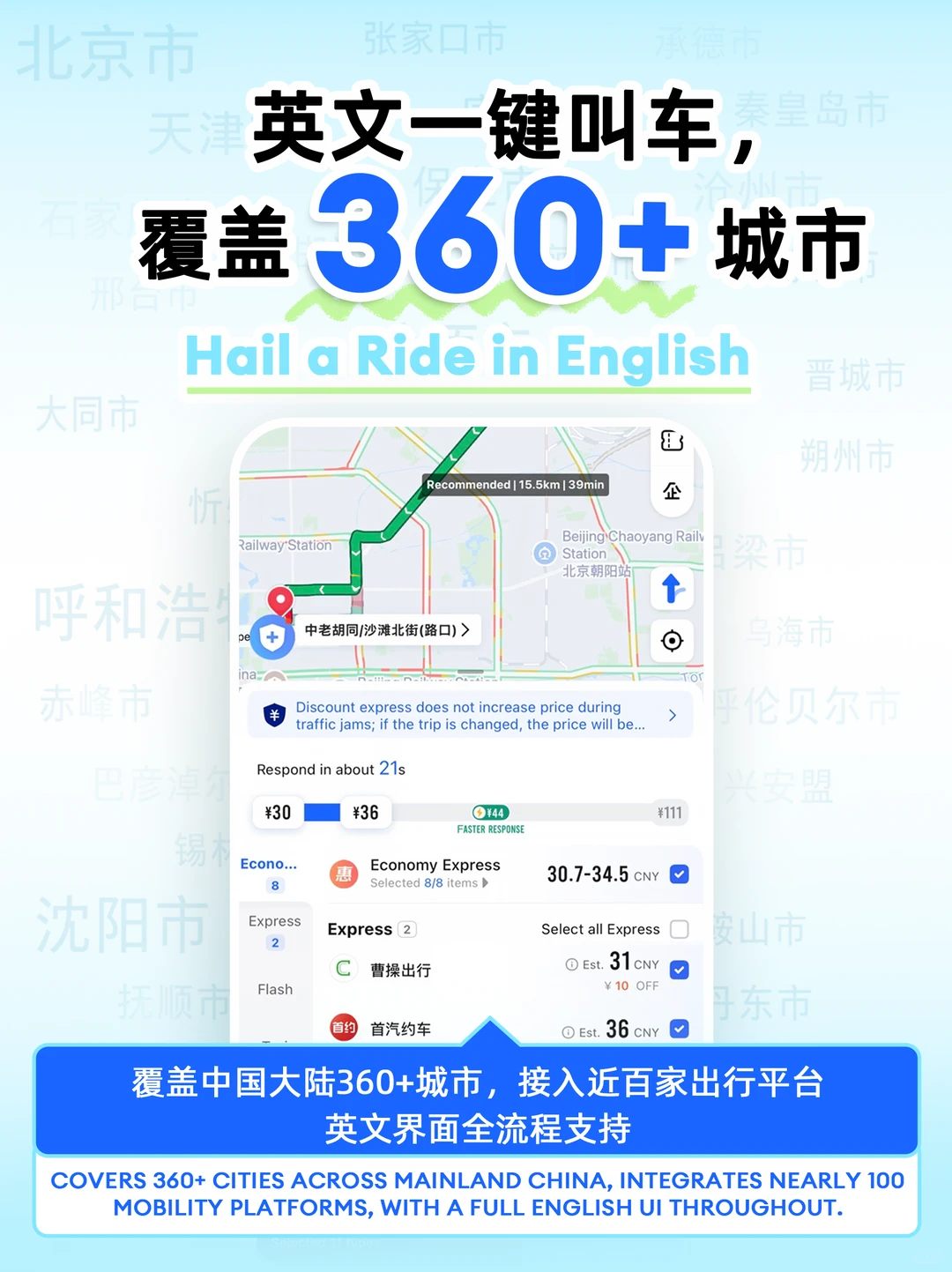
- Open directions and choose taxi/ride-hailing.
- Zoom in on the pickup point.
- Select a standard service first; avoid an unfamiliar premium package.
- Check the estimate, payment method and cancellation terms shown in the app.
- Match plate, car colour and provider before boarding.
The pickup point is the hard part
At a mall, station or attraction, the app may direct you to a numbered gate, basement bay or ride-hailing zone. Follow the named pickup point even when it is several minutes from your location. A driver may not be allowed to stop at the closest curb.
For an airport, follow official “ride-hailing/e-hailing” signs. If the pickup zone is unclear, the staffed taxi queue is often faster.
If the driver calls in Chinese
The call usually means “Which entrance?” or “Are you at the pin?” Use this order:
- Check for in-app chat or a translated preset message.
- Send your location if the app offers it.
- Stand beside a clearly named gate or hotel entrance.
- Ask a hotel or shop employee to look at the order screen.
- Cancel within the displayed rules and request again from a simpler pickup point if you still cannot meet.
Do not walk into a traffic lane while staring at the phone. Plate matching matters more than waving at the first similar car.
Payment failures: switch in this order
| Failure | First response | Fallback |
|---|---|---|
| No usable payment method | Check the wallet account and card status | DiDi or hotel-arranged car |
| Overseas card declined | Approve the issuer alert; try a second card | Official taxi queue plus cash/mobile payment |
| Account or phone-number wall | Stop retrying the map login | Request through a different service |
| Fare remains unpaid after the ride | Restore data and complete the pending order | Contact in-app support; keep the receipt screen |
Never leave an unpaid app order simply because the first payment attempt failed. It may block the next ride.
AMap or DiDi?
For the other app’s registration, English menus and ride-payment checks, use our DiDi in China screenshot guide.
Use AMap when you need stronger local place search or map detail. Switch to DiDi when you prefer a ride-first interface or AMap does not accept your account or payment setup. Keep both installed and move to the backup after one failed setup attempt.
Airport and early-morning rule
For a flight or train with a hard departure time, arrange the route the night before. Confirm that your payment method still appears, screenshot the Chinese destination, and ask the hotel whether it can book a car if the app fails.
Sources
Affiliate link — we may earn a commission at no extra cost to you. Booking is completed on Klook.