Taipei · YouBike 2.0
Rent a YouBike without getting stuck at the dock
Use Taipei YouBike with or without a Taiwan phone number. Follow the single-rental steps, understand the NT$3,000 hold and check your return before leaving.
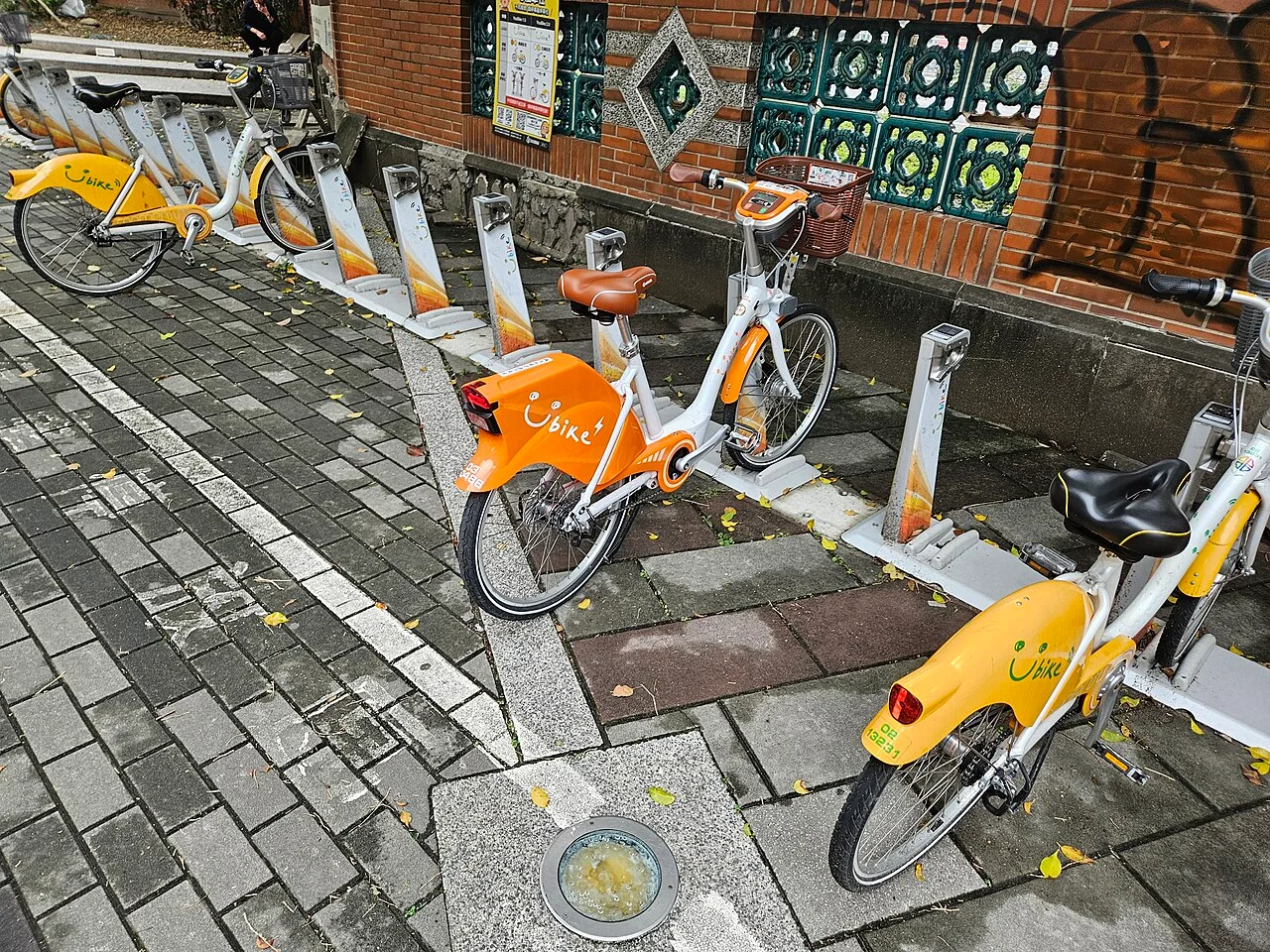
No Taiwan phone number? Use the app's Single Rental route with email verification and a credit card. A regular member account uses a Taiwan number. Owning an EasyCard or a data-only eSIM does not, by itself, complete either setup.
Choose your registration route
No local number
Start with Single Rental. Have a working email inbox, internet connection and a credit card available. Read the authorization terms before confirming.
A Taiwan number you can receive SMS on
Use member registration. The official sign-up flow asks for a Taiwan mobile number, identification details for injury insurance and a payment setup.
The website’s member flow links EasyCard or iPASS; card or electronic-payment registration is handled in the app. Check the official registration requirements before buying a SIM solely for this purpose.
If you already have working data and only plan one short ride, completing Single Rental may be simpler than buying another SIM. If using a local-number plan, test the SMS verification while counter staff can still help. A plan’s voice allowance is not proof that every verification message will arrive.
Single Rental: the actual sequence
- Open the official YouBike app. From the side menu, open Login / Register.
- Find Single Rental at the bottom of that screen. Link your credit card and complete email verification.
- Check the confirmation email for the authorization period and complete the required injury-insurance enrollment.
- At a bike, use Scan on the app home screen. Scan the bike’s displayed QR code, or enter its verification code if glare prevents scanning.
- Wait for the bike’s release instruction before pulling it back.
These steps follow YouBike’s illustrated one-time rental guide, which is the best place to compare your current screen. Our diagram below explains the sequence; it is not a replica of the app.
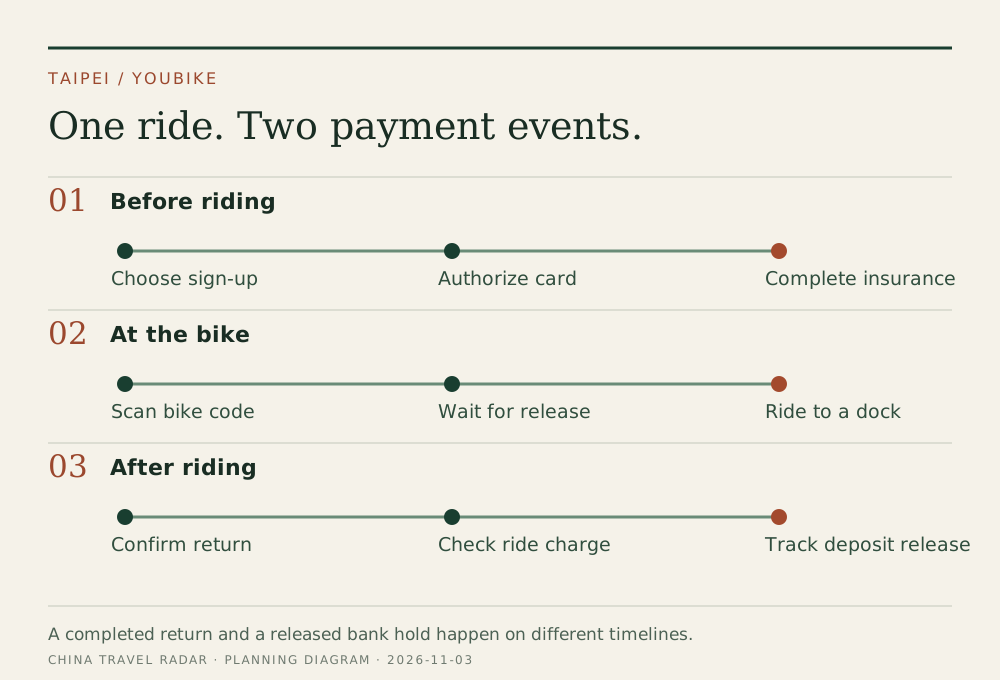
NT$3,000 is the authorization, not the ride price
Taipei’s official one-time-user terms list a NT$3,000 deposit, a 120-hour authorization period, and a new approval after that period. Normal rental and return lead to cancellation of the deposit at the period’s end; the issuing bank determines when the release appears. Single Rental does not receive the member ride subsidy. Taipei fees
For standard YouBike 2.0, the published base rate is NT$10 per 30 minutes in the first four hours, with higher later rates; partial intervals round up. Electric-assist 2.0E has a separate rate. The example below is for ordinary 2.0, not 2.0E.
If you are worried about a missing refund, inspect the transaction status first. A pending authorization and a settled charge need different questions. Keep the rental receipt, authorization email, return time and bank status together. Ask YouBike about rental closure or cancellation of authorization; ask your bank when a canceled authorization stops reducing available funds. Do not keep creating fresh authorizations to troubleshoot an old one.
Check the return before leaving the station
Align the wheel with the dock groove, insert the lock and wait for the bike display’s Thank You confirmation. Check the app too. Those are the operator’s return steps; a bike that merely looks parked is not enough. Official return instructions
Before starting a ride, inspect both the destination station and one nearby alternative on the official station map. Availability can change while you ride. Leave time to use another station instead of timing your last ride to the minute before a train departure.
If the app still shows a ride, stay near the bike where practical, record its number and the station, and use official customer support rather than guessing that billing has stopped. Do not post passport or payment-card details in public help threads.
Before choosing a bike over the MRT
Is YouBike a good airport-luggage transfer?
Use the Airport MRT or a car for luggage. Treat YouBike as a separate local ride after dropping bags at your hotel. Check weather, daylight and your confidence with urban cycling before choosing it.
Can I simply tap my EasyCard?
Only after the required registration and card linking. A card that works on the metro is not proof that the YouBike account is ready. Our Taipei MRT guide covers the card’s transport uses separately.
Is the 120-hour period unlimited free cycling?
No. It is the credit-card authorization window. Each rental is billed under the applicable bike and city rules; return the bike after your ride.
Plan the rest of the day with the Taipei itinerary and Taipei map.
Operator guidance reviewed 3 November 2026. Photo: Hansen033, YouBike 2.0E and standard bikes near National Taipei University, 2024, CC BY 4.0; resized/WebP. Photo location is New Taipei; rates in this article are for Taipei City. Diagram: China Travel Radar. No personal rental test claimed.
